
How to Search Cases by Name
Skip the broad name sweep and go straight to the right court channel. Hancock Court eServices handles Common Pleas civil, felony, and domestic-relations records. Findlay splits its public forms between traffic and criminal on one side and civil on the other. Probate runs a separate search. Fostoria city cases live on Tiffin-Fostoria's CaseLook. A name hit in one channel never rules out another court, so follow the case type and location wherever they point.
Findlay publishes the clearest name criteria of the group. Traffic and criminal ask for Last Name, First Name, and Middle Initial, while the civil form adds Party Name. Use the narrowest field the form offers. Then match the case number, court, case type, and hearing details before trusting a match. A similar name alone proves nothing.
- Choose the court from the notice, citation, filing, or location.
- Open the court’s official case-search route.
- Use an exact number first; otherwise use the most specific name fields.
- Open the matching detail screen and verify court, case type, and case number.
- Check the newest docket entry and hearing information before relying on a status.
Hancock County Case Search Channels
The court map is the backbone of any Hancock County case search. Common Pleas runs through Court eServices. Findlay Municipal Court covers cases arising in Findlay. It also handles the Hancock County townships within its traffic, criminal, civil, and small-claims jurisdiction. Probate keeps its own search. Fostoria cases stay with the Fostoria branch. Part of the city sits in Hancock County, but those cases still belong there.
| Case category | First official route | Important limit |
|---|---|---|
| Common Pleas civil, felony, domestic relations | Hancock Court eServices | Records before January 1985 require a Clerk visit. |
| Findlay traffic, misdemeanor, municipal civil | Findlay TR/CR or Civil portal | Current City notice reports stale data and unavailable scans. |
| Probate | Probate search | One criterion at a time and delay warning. |
| Fostoria city municipal matters | CaseLook | At least 24-hour possible posting delay. |
How to Search by Case Number
The case number is the strongest key, because it points to one local court record. Findlay's public interfaces show traffic prefixes like TRC and TRD. You'll also see criminal patterns such as CRB. Civil numbers begin CV with extra type letters. Treat these as conventions, not guarantees that every file follows one suffix. The court publishes no case-number manual for Common Pleas.
Probate's form asks for numbers only in the Case Number field. Common Pleas eServices supports both case-number and case-type searching. Whichever channel you use, copy the number from your notice exactly. Keep the court name attached. Never force a municipal number into the Common Pleas portal, or the reverse.
The official Common Pleas legacy search entry opens from eServices. It runs the case-number and case-type lookups described above.
The Common Pleas search entry handles a Hancock County case lookup by case number or case type.
Findlay TR/CR Case Lookup Fields
Findlay's TR/CR Case Search shows its search fields right on the page. None is marked required. A CAPTCHA appears when you hit Search. The form offers no reset button, sorting, date-range cap, or export. It does publish a daily docket you can page through with Previous and Next.
| Field label | Type and note |
|---|---|
| Case Number | Text; direct case key with no published format instruction. |
| Last Name, First Name, Middle Initial | Separate text fields for individual-name searching. |
| Driver License Number | Text criterion listed by the court. |
| Hearing From and To Date | Date-picker range. |
| Muni Name | Municipality text field. |
The official form is the source for the field list above.
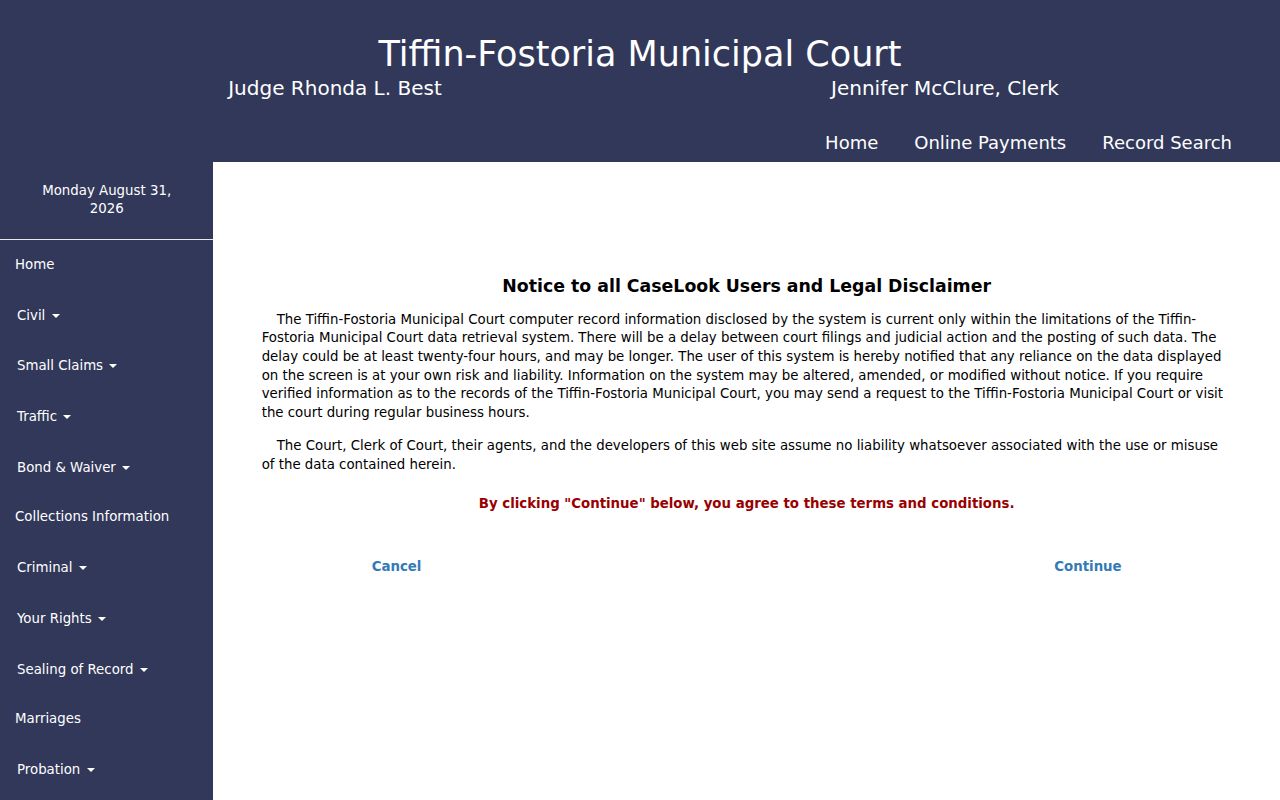
Fostoria's CaseLook is another Hancock County case-search route. Its entry page simply does not list the search fields.
What a Case Search Shows
A Findlay traffic or criminal detail view lays out General Information plus defendant, financial, vehicle, warrant, counts, hearing, and docket panels. Civil records show General Information, parties, services, claims and judgments, hearing, and docket panels. The local labels help you tell a field list from a court decision. An entry reading "judgment" or "order entered" marks a recorded event. The document behind it may be a separate item.
| Case Details | The court-specific record and broad field groups. |
|---|---|
| Case Status | A civil case-level field; verify it against the dated chronology. |
| Hearing Information | Date and time, courtroom, officer, and setting details for Findlay. |
| Docket Information | The reverse-chronological dated register of case events. |
| View Documents | A displayed route, but Findlay’s active notice says scanned images are unavailable. |
Hancock Court eServices Search Limits
Hancock Court eServices shows Case Search, Filing, Payments, and Calendar as separate cards. Filing demands a login. The Clerk set mandatory attorney e-filing for January 1, 2026. That policy leaves public case searching untouched. Attorney registration governs attorney filing only. The public Case Search card stands apart from it.
The landing page warns that CourtView information may not reflect changes, pleadings, or decisions. Those items may not yet be docketed or filed. Juvenile cases stay out of public view. For an older Common Pleas record, the Clerk sends requesters to the third-floor counter. That counter sits at 300 South Main Street. Treat the portal as a strong first step. It is not a full substitute for the clerk's records.
The official Hancock Court eServices portal spells out its public search scope and the filing distinction.
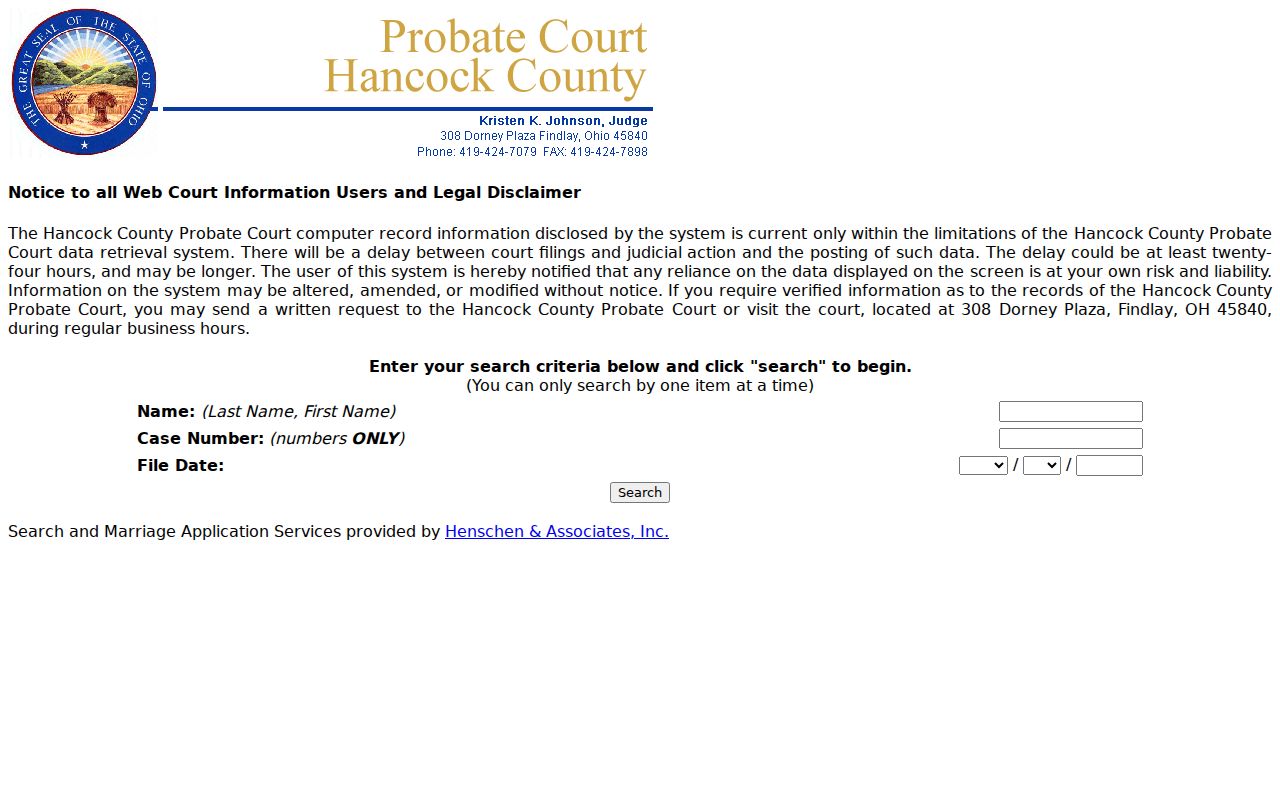
Probate: Probate sits outside the Common Pleas search path and runs its own Hancock County lookup form.
Probate Case Lookup Is One Criterion
Probate records live in their own corner of the Hancock County court system. The court's official search form takes just one criterion per query. Pick the detail you trust most. A case number works best. A carefully spelled name comes second. Don't expect a broad combined filter, because the form was not built that way. Probate also warns that data posted online can lag by 24 hours or longer.
Need something verified? Send a written request or stop by 308 Dorney Plaza in Findlay. That is the local fallback. Probate cases do not belong in Findlay's municipal system. A Common Pleas name search will not reach them either. The Hancock Probate Court page is the starting point for probate records. It also covers the services around them.
Federal bankruptcy files sit in a federal court system, not in any Hancock County case lookup channel.
County and State Case Search
Ohio has no public statewide trial-court docket portal. It does not reach an individual Hancock County case. The Ohio Supreme Court's eStats site is a different animal entirely. It counts things. You can pull figures by court, jurisdiction, judge, and period, but you cannot look up a result by party or case number there. Treat it as a statistics tool, never as a stand-in for the local court file.
| Local court portals | Ohio eStats | Federal PACER |
|---|---|---|
| Search individual Hancock County court records in the applicable local system. | Provides aggregate court-reported statistics, not case lookup. | Provides federal docket access after account registration; it is not for local state-court tickets or Common Pleas cases. |
Federal civil and criminal matters run through the Northern District of Ohio, with public PACER access for filings. Hancock County state cases stay with their own court. The official PACER page posts its current registration steps and fee rules.
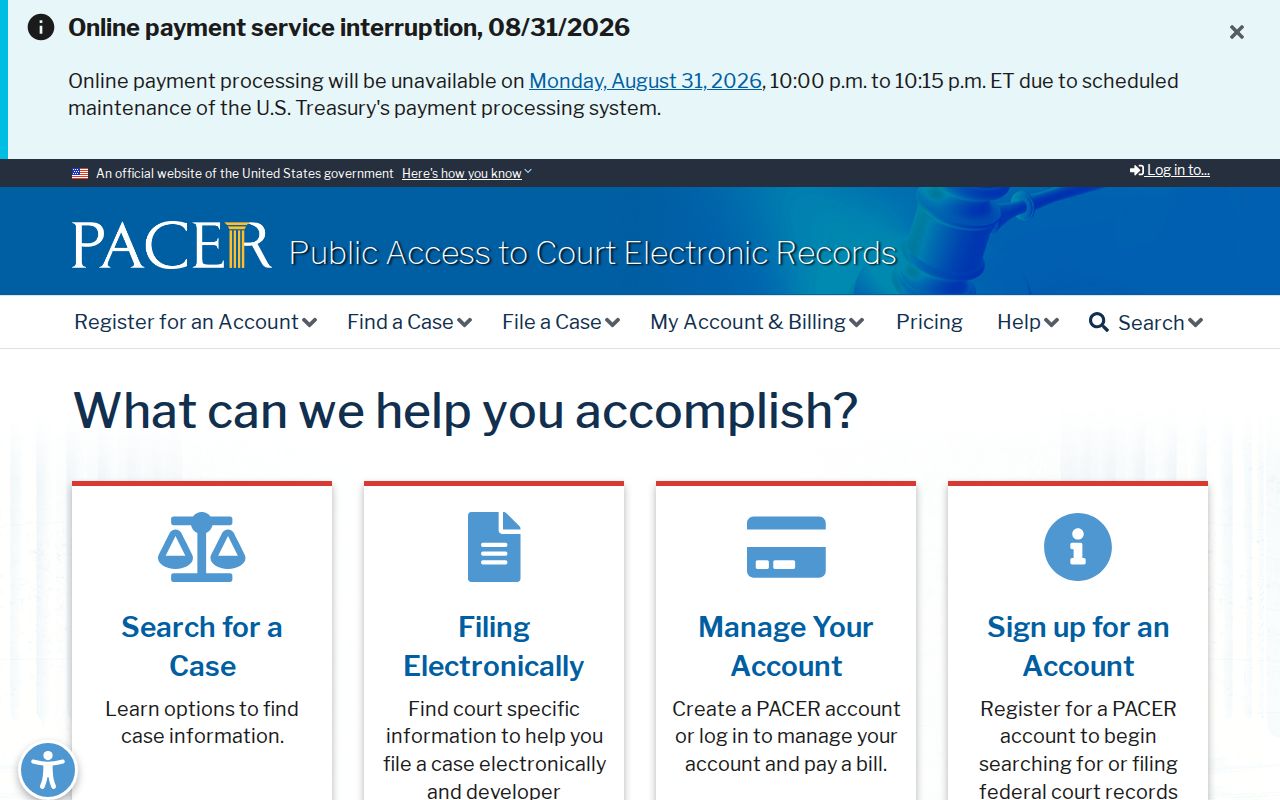
PACER is a federal docket system of its own, and it does not replace a Hancock County case search.
Restricted Cases and Access Rules
A search that comes up empty has plenty of local explanations. The case may sit in the wrong court. Or it may be newly filed and not yet posted. It may predate online coverage. It may be restricted by rule or order, or be touched by Findlay's active technical notice. Hancock eServices keeps juvenile cases out of public view. A restricted document is not the same as a restricted case. The court can redact one attachment while the rest of the docket stays open.
Ohio's current Rules of Superintendence put the public-access rules at 11.09 through 11.16; older material may cite former Sup.R. 44 through 47. For a sealed adult matter, ask the court. Read the applicable statute instead of working around an access limit. And a public result is never a certified record.
Hancock County Search Failure Fallback
When a Hancock County case does not appear, work through a simple order. Confirm the court assignment and number. Run the correct local search route. Read any portal warning. Then call or visit whoever keeps the record. Findlay's current service notice makes that last step matter for municipal cases. For older files, each court has its own path. Common Pleas sends pre-1985 research to its Clerk, Findlay sends pre-1984 research to Room 206, Probate takes verified requests or visits, and Fostoria points to its branch clerk.
Bring the case number, party name, court name, and the exact record you need, and the clerk can find the right file fast. This sequence suits anyone tracking a case, confirming a setting, reading a court record, or doing historical digging. It is not a shortcut for any prohibited consumer-screening use.
Hancock County Case Search Details
Before you hop between routes, write down three things. Get the local court, the exact case number, and the date of the newest entry. Those details separate a similar-name result from the true file. They also help a clerk pull the right record. That matters when public data lags or an image is unavailable. A portal result is a verified starting point. The court that keeps the case still holds the final word.